QRio - Bridge the air gap!
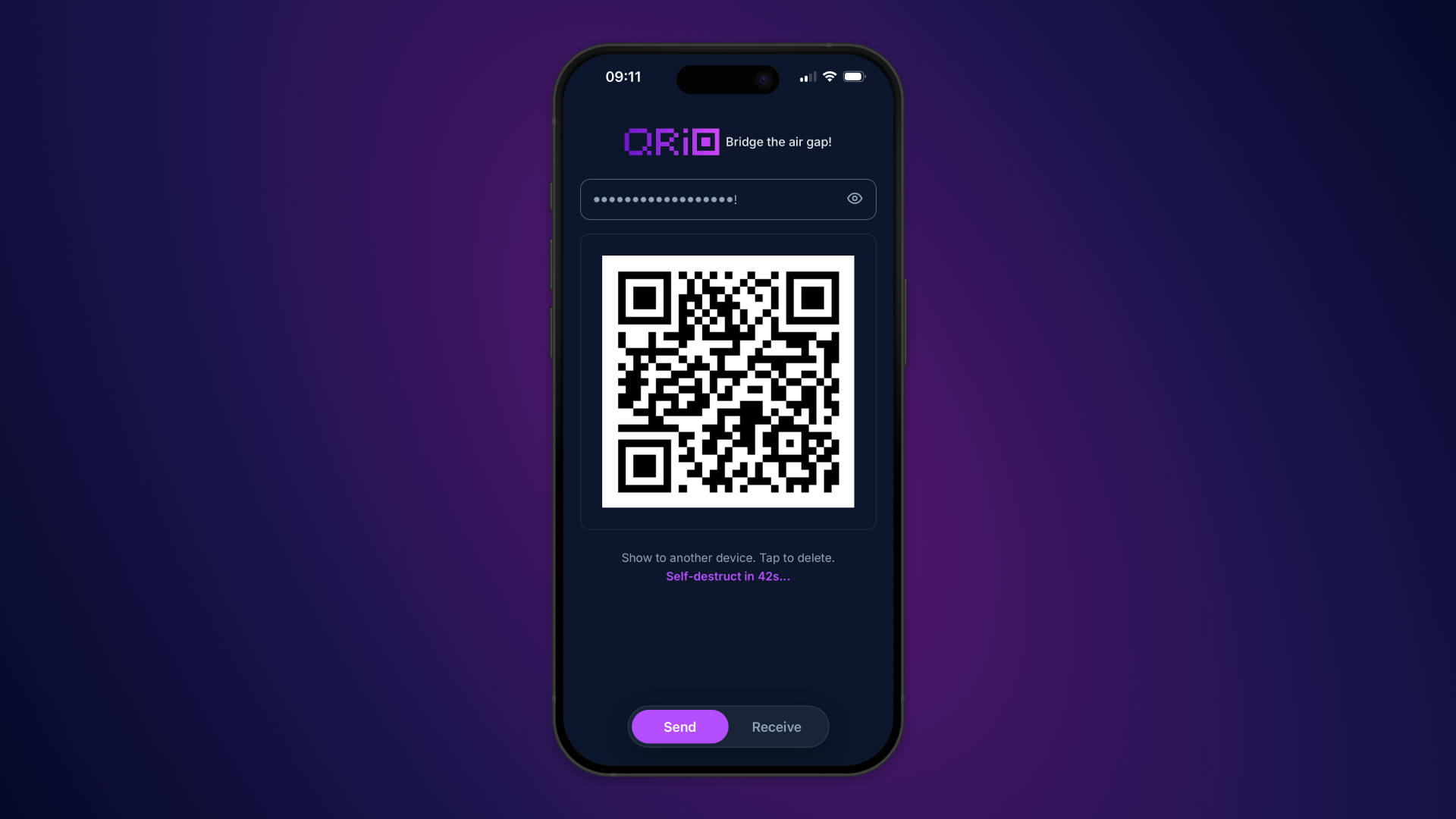
QRio was born out of a personal necessity. I needed to log in to different laptops provided by work, but didn't have my password manager installed on these machines. This meant typing annoyingly long passwords by hand, often multiple times due to typos. I decided to create a solution that would make transferring passwords and other sensitive information easier and faster.
How does this work?
QRio works by generating a QR code on one device that contains the sensitive information you want to transfer. You can then scan this QR code with another device to retrieve the information. It even allows you to use your password manager for filling in the password so you don’t need to type at all. All processing is done on your device, ensuring that your data is never stored anywhere online.
Is this secure?
Let’s say it’s more secure than you trying to type a long password from your phone into a laptop for 30 seconds. All processing is done on your device, meaning your data is never stored anywhere online. You can use QRio with airplane mode turned on, if you want to test this. QR codes generated by QRio have a timeout feature, becoming unreadable after a certain period. Once a QR code's validity has expired, it is automatically destroyed on screen, preventing it from being scanned by others accidentally.
Need to copy paste your 32 character password to another device? Just open up qrio.prototypeverything.com on both of your devices and be done within seconds!